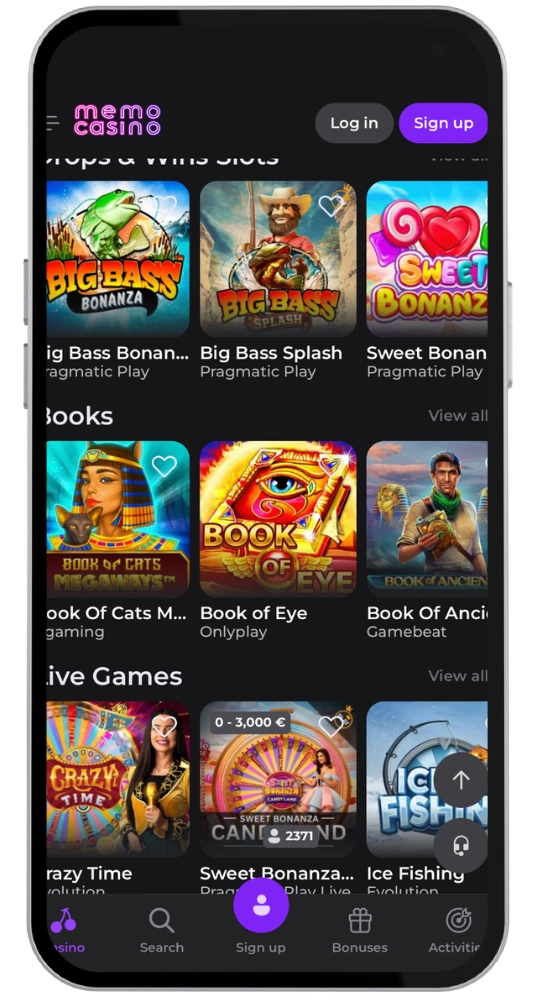
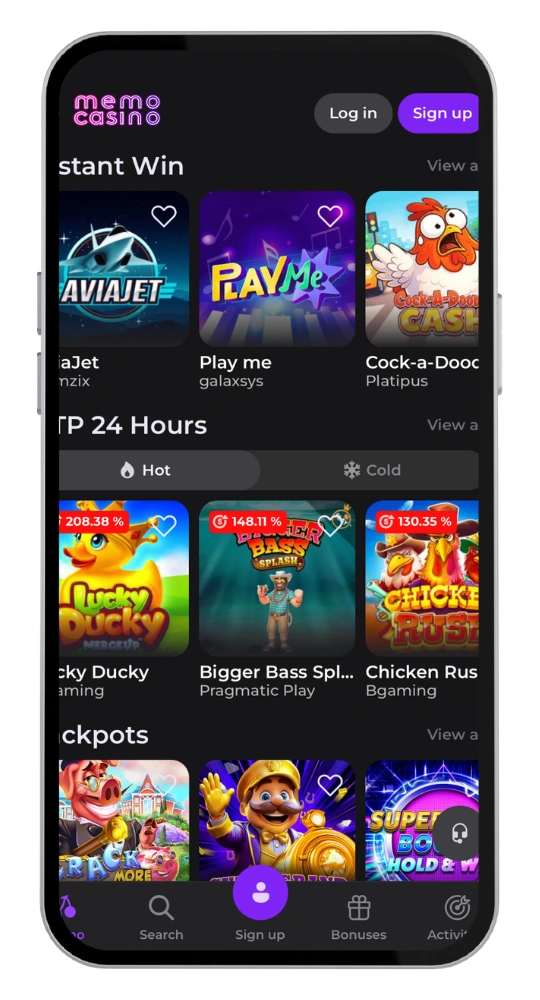
Play On the Go with the Memo Mobile App

Download the Memo App and Play Now

Just install and claim your bonus with your mobile device.

Memo Casino app

The Memo app is everything you need, in your pocket. Over 1,000 games, live casino tables, sports, and real bonuses packed into a 36MB mobile application. Whether you’re on the go or relaxing on the sofa, our app is ready for action. The intuitive navigation makes it simple to find your favourite games within seconds.

Memo App Download Guide

Getting the Memo download done is quick and easy. We designed it to be a pain-free process so you can be spinning the reels in minutes. The app is fully optimized for touchscreen use, making it smooth and responsive on any device. Follow these instructions for a quick install.

How to Install the App on Android

The Memo Android app is not available via Google Play, so you will need to grab it from our official website. With an install file size of 36MB, it runs on Android OS 6.0+ and installs in less than two minutes. It is also compatible with Windows-based emulators if you prefer playing on a larger screen.

  1. Open the official Memo Casino website on your Android device in your preferred browser
  2. Head to the bottom of the page and select the download button for the APK file
  3. Go to the security section of settings and tap ‘Allow apps from unknown sources’
  4. Run the downloaded APK file and follow the simple instructions to download and install your app in less than two minutes
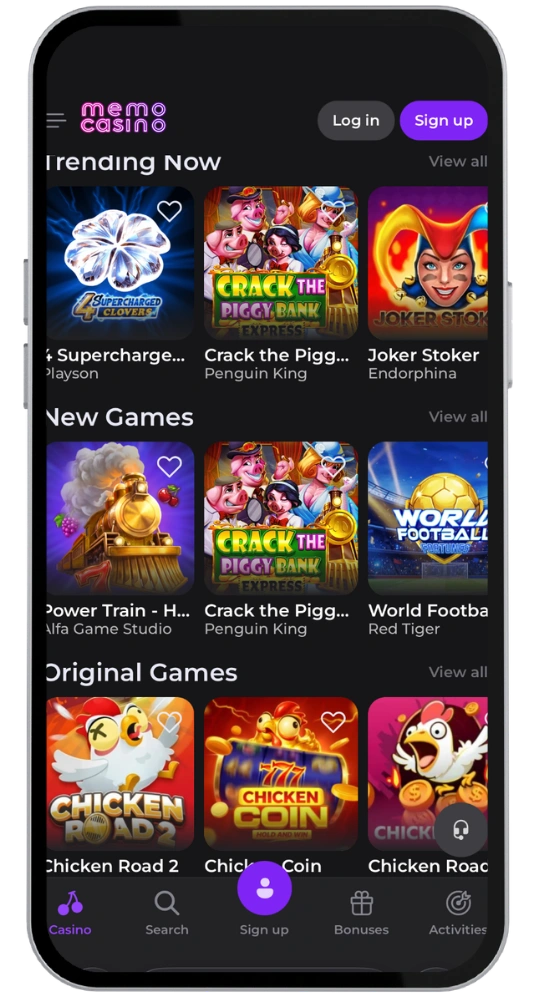
Memo Casino apk

Memo Casino App for Your iOS Device

Getting the Memo iOS app for your iPhone or iPad is a little easier. The mobile casino experience on iOS is just as feature-rich as the desktop version. Simply follow the instructions below for a quick download on iOS version 12.0 or higher.

  1. Open the App Store on your Apple device
  2. Search for “Memo Casino”
  3. Press “Get” to begin the download process
  4. Confirm the installation and start enjoying the app in seconds
Memo Casino mobile
If you’re new to Memo Casino

Кeceive up to £380 plus 250 free spins

Memo Casino application
CategoryDetails
Operating SystemsAndroid, Web, macOS
Application CategoryOnline Casino, Sports Betting
CurrenciesGBP, EUR
Deposit MethodsVisa, Mastercard, Skrill, Neteller, Revolut, Bank Transfer, Bitcoin, Ethereum, Litecoin, USDT
Withdrawal MethodsVisa, Mastercard, Skrill, Neteller, Revolut, Bank Transfer, Bitcoin, Ethereum, Litecoin, USDT
Automatic LoginNo
App Size36MB

FAQ

Is the Memo Mobile App Free?

Yes, it is 100% free to download, install, and play on iOS or Android devices. We just ask you to log into your existing account once you’ve set the app up.

What Games Can I Play on the Memo Casino App?

With over 1,000 titles available via our app, you’ll be able to enjoy slots, live dealers, table games, sports betting, crash games, jackpots, and tournaments.

Can I Use the Same Account on the Mobile App?

Of course, there’s no need to open a new account if you already have one. Simply open the app, log in, and use the funds and balance already in your account.

What Is the Cashout Limit on the App Each Month?

The most you can cash out is £10,000 per month. Log in and you can use Visa, Neteller, Skrill, or even crypto such as Bitcoin and Ethereum to withdraw your money.

What If I Can’t Install the App or Need Help?

Email us at [email protected] or open the live chat option on the site. Our support team will sort you out.